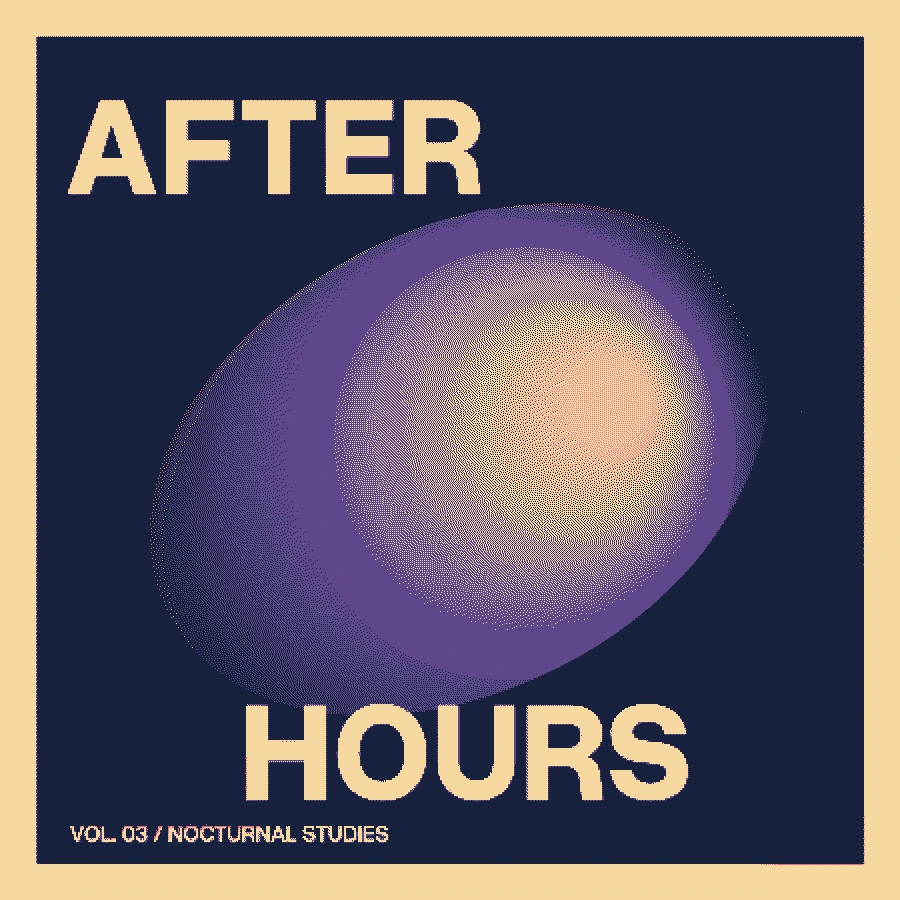
Make this look in three steps
- Open the Night arcade recipe and open Color, then Final palette.
- Choose a preset or edit each swatch. Add or remove colors, then compare the result with Diffuse color error enabled and disabled.
- Export PNG or, with Pro, SVG. The final palette applies after duotone and overlays, so those controls cannot introduce extra output RGB colors.
Quantization is different from a tint
Duotone maps brightness along a gradient between two colors. Palette quantization chooses among a finite list of exact colors. This feature compares RGB distances to find the nearest swatch, then optionally distributes the difference using Floyd–Steinberg weights. It is not a hardware-emulation or perceptually optimized palette solver.
Choose colors with useful contrast
Include a dark color and a light color, then add middle colors that support your artwork. A palette of similar lightness can flatten a face or title even when its hues differ. Start with the four-color sleeve, change one swatch at a time and inspect the title as well as the gradient.
What happens to transparency?
The quantizer preserves alpha values. Opaque RGB samples come from the selected palette. Partially transparent pixels can be rounded by the canvas and blend with a background in another application. The download is a regular PNG, not an indexed-color or hardware-specific file. Validate any required file encoding separately.
When to turn diffusion off
Diffusion is useful for textured gradients; without it, each pixel simply takes its closest swatch. Try the simpler mode on flat illustrations and type. Smooth resizing after export can blend colors again, so check the image in its final destination.
Free, Pro and your source files
Processing happens in your browser. Free image exports include 1× and 2× PNG and publish a small preview to the public community gallery. Pro skips gallery publication and adds 3× PNG, SVG and silent WebM video export. Use material you have the rights to upload.
Try it in Make ↗