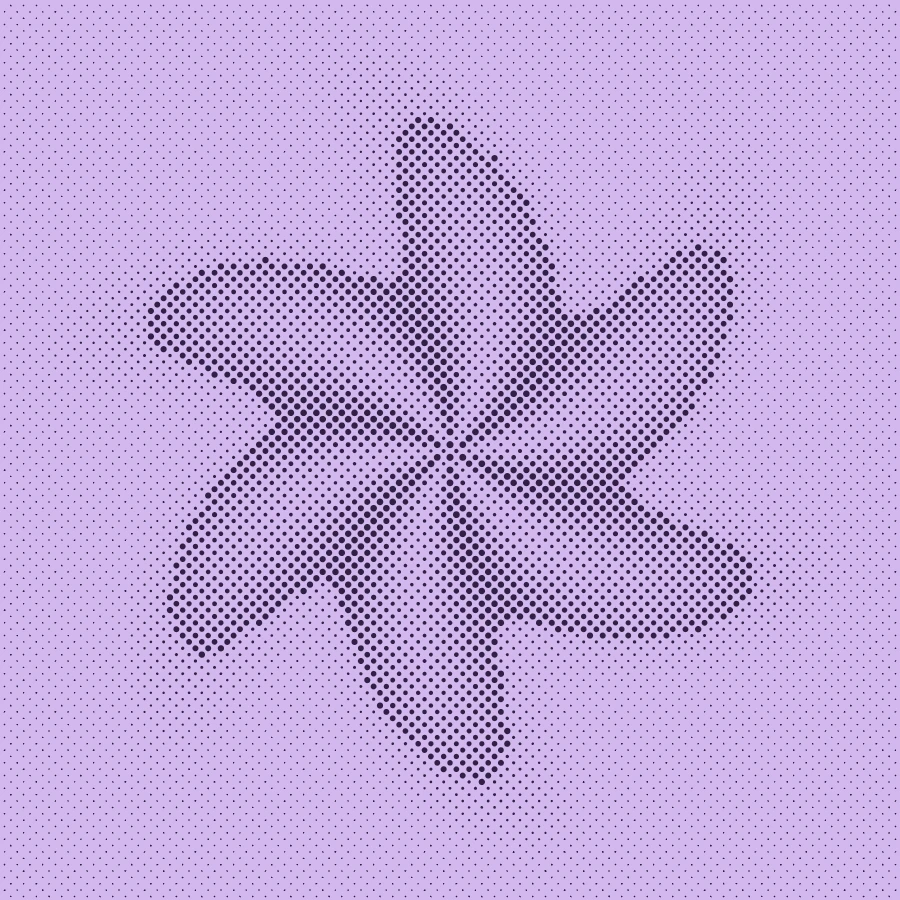
Make this look in three steps
- Start with the halftone example to see a dot screen on curved folds.
- Try Atkinson or Bayer in the editor on the same image. Inspect the shape of individual marks, not just the overall contrast.
- Choose the pattern that supports your composition and check it again at final display size.
Pixel texture versus a dot screen
Atkinson and Floyd–Steinberg distribute quantization error; Bayer uses repeating thresholds. Their foreground marks are pixel blocks. Make’s halftone uses circles with radius driven by local brightness. At a distance both can suggest intermediate tones, but close up they have different visual structures.
A practical choice for posters and covers
Try dot halftone when the screen itself should be part of the design, especially on large shapes. Try pixel dithering when you want a finely broken image or a visibly digital grid. Small text can suffer in either process, so placing typography after the effect is often easier to control.
Two colors are not two printing plates
Duotone in Make remaps the processed image between two chosen colors. It is not an ink-separation feature. If a production job needs spot-color plates, screen angles or printer-specific dot requirements, prepare those in the appropriate production software and confirm them with the printer.
Free, Pro and your source files
Processing happens in your browser. Free image exports include 1× and 2× PNG and publish a small preview to the public community gallery. Pro skips gallery publication and adds 3× PNG, SVG and silent WebM video export. Use material you have the rights to upload.
Try it in Make ↗