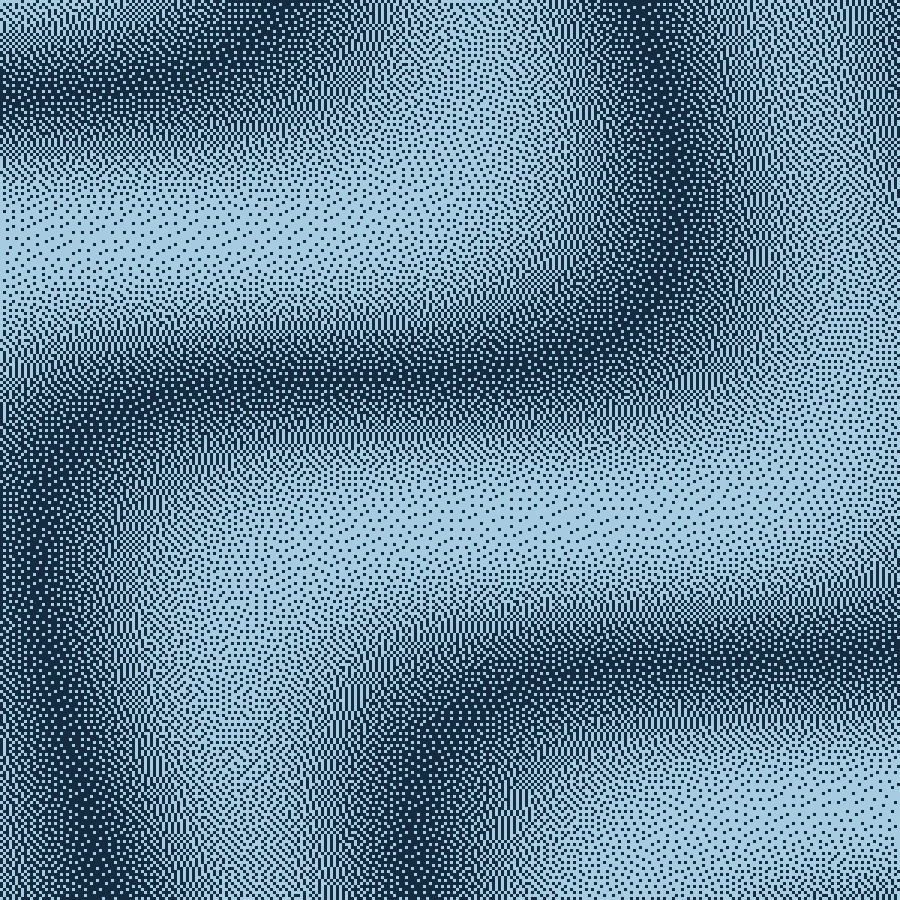
Make this look in three steps
- Start with the blue Floyd–Steinberg study, or upload an image you have permission to use. Prepare the crop in your image editor first.
- Tune the effect at cover-thumbnail size as well as full size. Try a clear silhouette, restrained contrast and a pair of colors with enough separation.
- Export PNG and add titles or release information in your layout tool. Check your distributor’s current artwork requirements before delivery.
Make the cover work as a thumbnail
Fine textures that look expressive at full size can become muddy in a small player thumbnail. Keep a strong focal point and some quiet space for type. Compare a finer dither against a larger-scale treatment at the size listeners will see, not only at the editor’s zoom level.
Build an identity with two colors
The blue example pairs a dark navy foreground with a pale blue background. A closer pair of colors gives a softer result; a larger lightness difference makes the shape easier to read. Reuse your chosen colors and effect settings across related releases for consistency.
Add typography after the effect
Small lettering can break apart when processed as part of the source image. For clean credits and legible titles, export the treated artwork first and place type above it in your layout application. If degraded type is intentional, test the smallest intended viewing size before committing.
Prepare the final delivery
Make exports the artwork, not a complete sleeve package. Enlarged PNG export scales the existing rendered pixels; it does not invent source detail. Choose a sufficiently large source and confirm dimensions, color profile, bleed and print specifications in your final production workflow.
Free, Pro and your source files
Processing happens in your browser. Free image exports include 1× and 2× PNG and publish a small preview to the public community gallery. Pro skips gallery publication and adds 3× PNG, SVG and silent WebM video export. Use material you have the rights to upload.
Try it in Make ↗