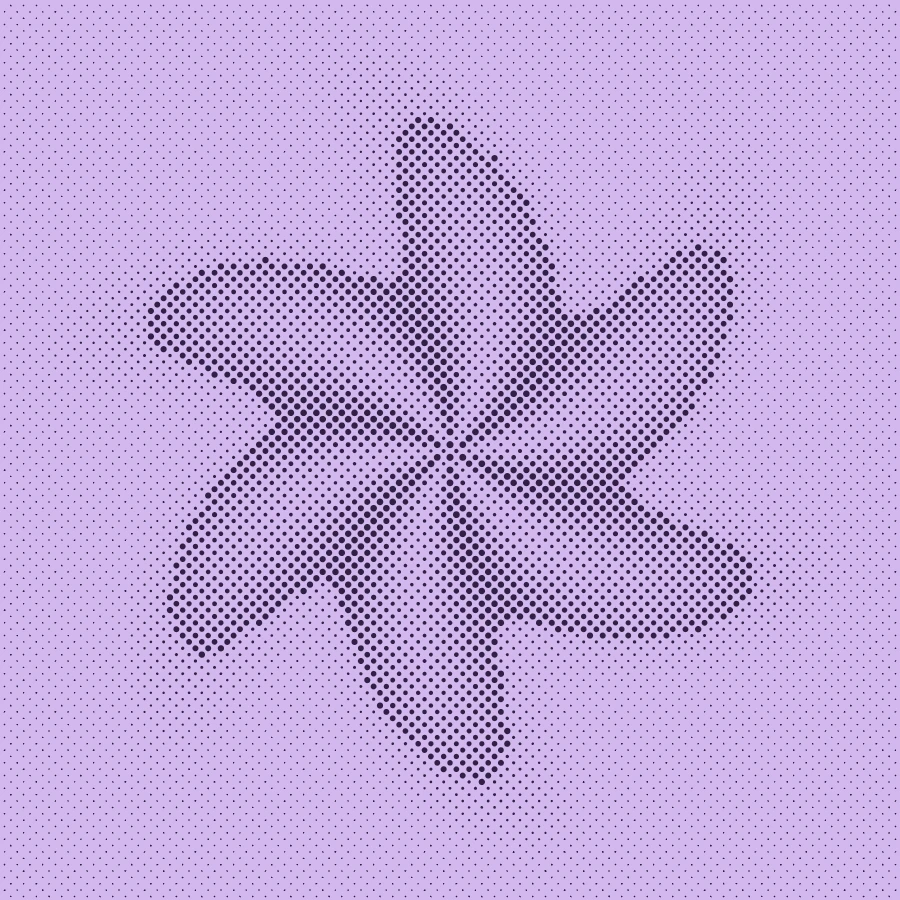
Make this look in three steps
- Open the example to start with the violet halftone recipe, or replace it with your own image in the editor.
- Adjust Scale for a finer or coarser screen. Change Spacing to open up the gaps, then tune contrast and the two colors.
- Check the result at the size you will actually use. Export a free PNG, or use Pro for SVG and 3× PNG.
What changes the size of a dot?
In Make’s dot halftone, darker source areas create larger foreground circles and lighter areas create smaller ones. Scale controls the sampling grid. Spacing reduces the available dot radius within each cell. It is a stylized single screen, not a CMYK color-separation workflow.
Why do faces lose detail?
Large cells can average away eyes, hair and small lettering. Start with a smaller Scale, simplify a busy background and avoid pushing contrast so far that midtones disappear. Use larger dots for bold silhouettes and shapes that remain readable from a distance.
Can I use this for print?
You can use the exported artwork in a print layout. Confirm final dimensions, resolution, colors and production requirements with your printer. This tool does not prepare ink separations or guarantee a screen-print-ready file. Pro SVG keeps the generated dot shapes as vectors.
Halftone or dithering?
Choose halftone when you want a visible dot screen with varied mark size. Choose Atkinson, Floyd–Steinberg or Bayer when you want tone built from a pattern of small foreground and background pixels. Try both on the same source before choosing.
Free, Pro and your source files
Processing happens in your browser. Free image exports include 1× and 2× PNG and publish a small preview to the public community gallery. Pro skips gallery publication and adds 3× PNG, SVG and silent WebM video export. Use material you have the rights to upload.
Try it in Make ↗