
01 / Video effects
Upload an existing clip and preview dither or halftone on moving footage.
Open video mode ↗Turn a photo, render or AI image into graphic art. Explore print texture, halftone, color and distortion—then make the result your own.
No account required · Free PNG exportOne creative space from first image to finished export.
Same editor. Three entirely different outcomes. Open any look and replace the artwork with your own.
Drag across the artwork to see exactly how MAKE changes it. Then choose a treatment and carry it into the editor.
Make this look
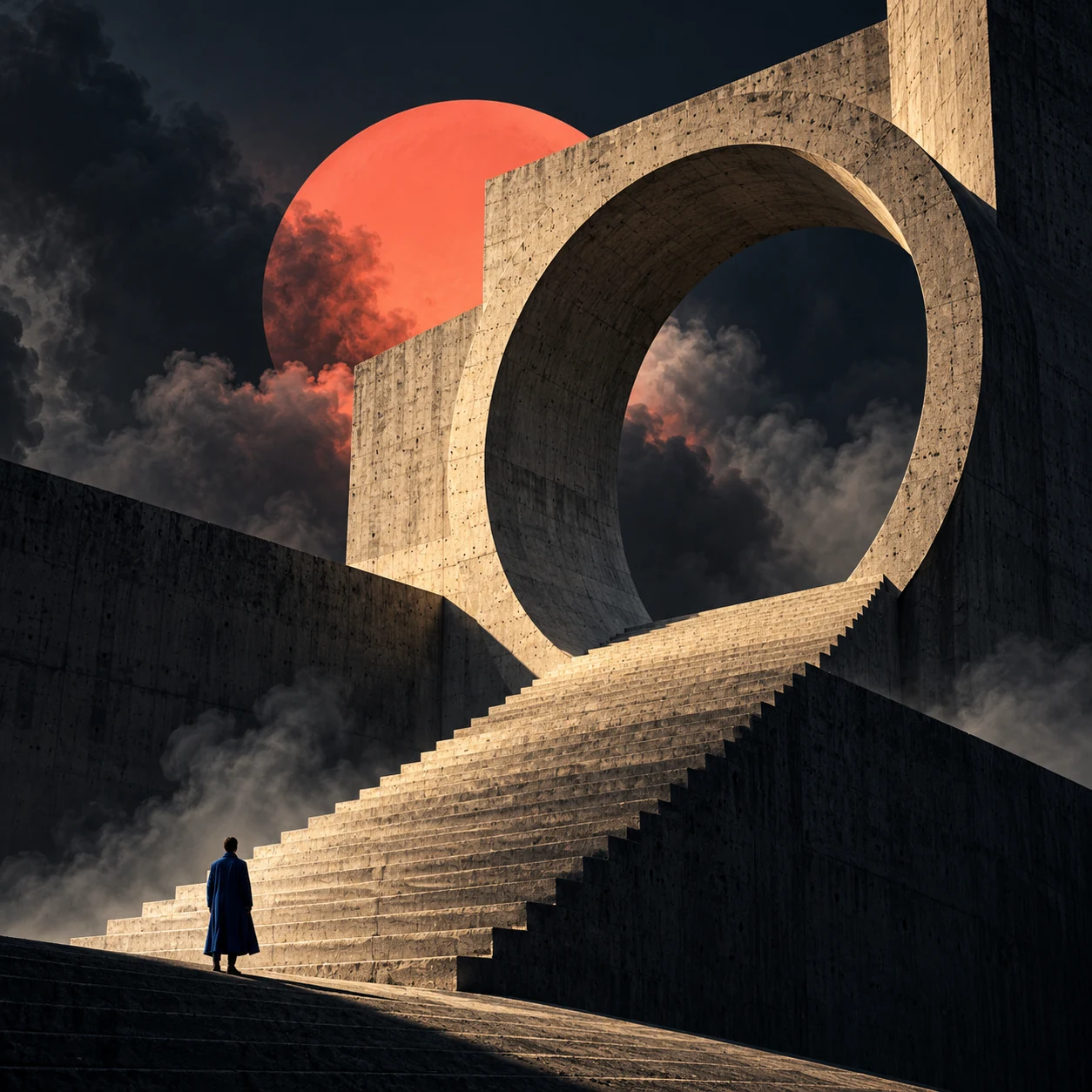 OriginalMAKE / Two-ink print
Start from any look. Swap in your image, adjust every detail, and export when it feels right.
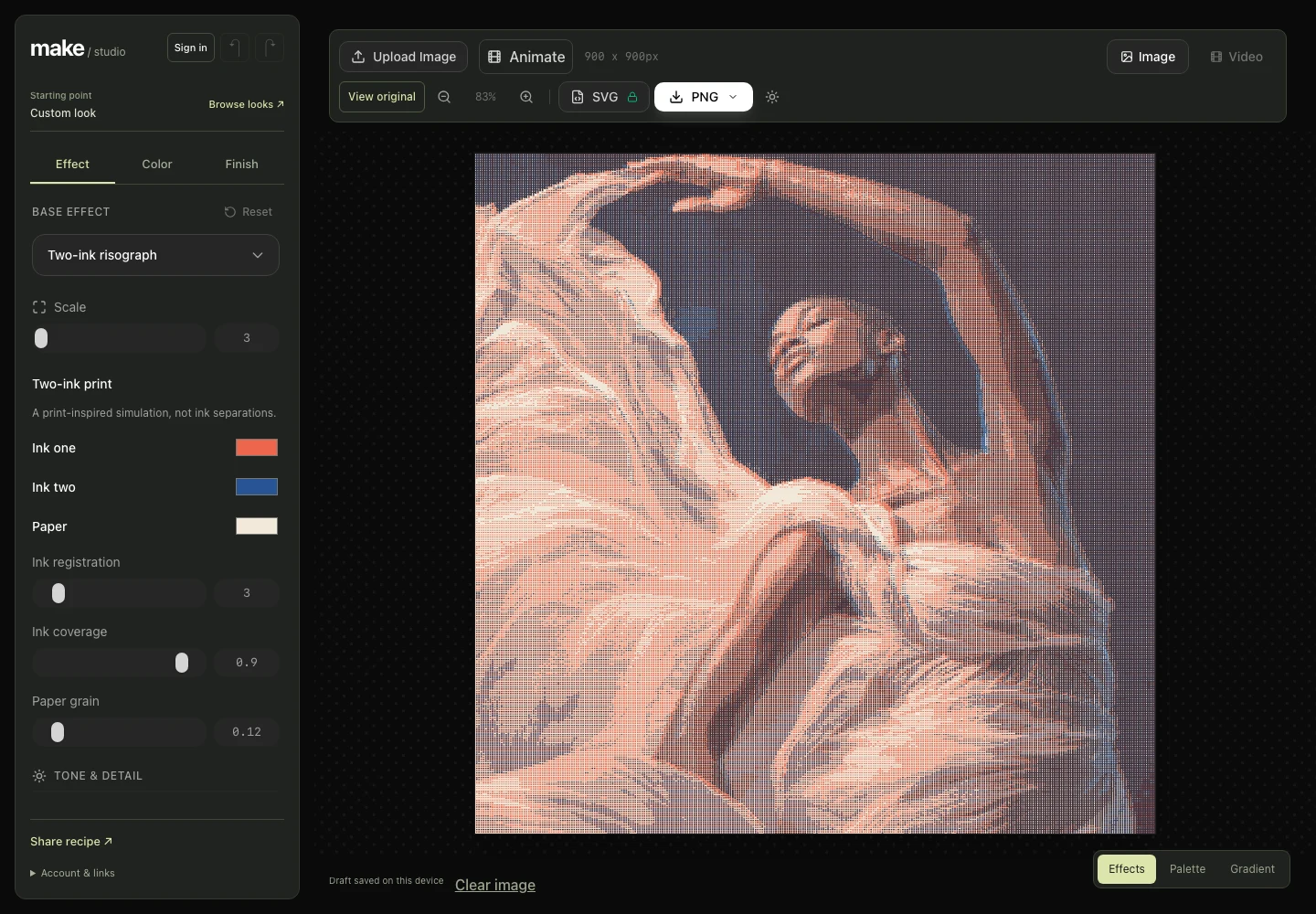
Start with a finished look, or make something entirely your own. Every effect is available in the free editor.
01 / Two-ink printPrint ↗
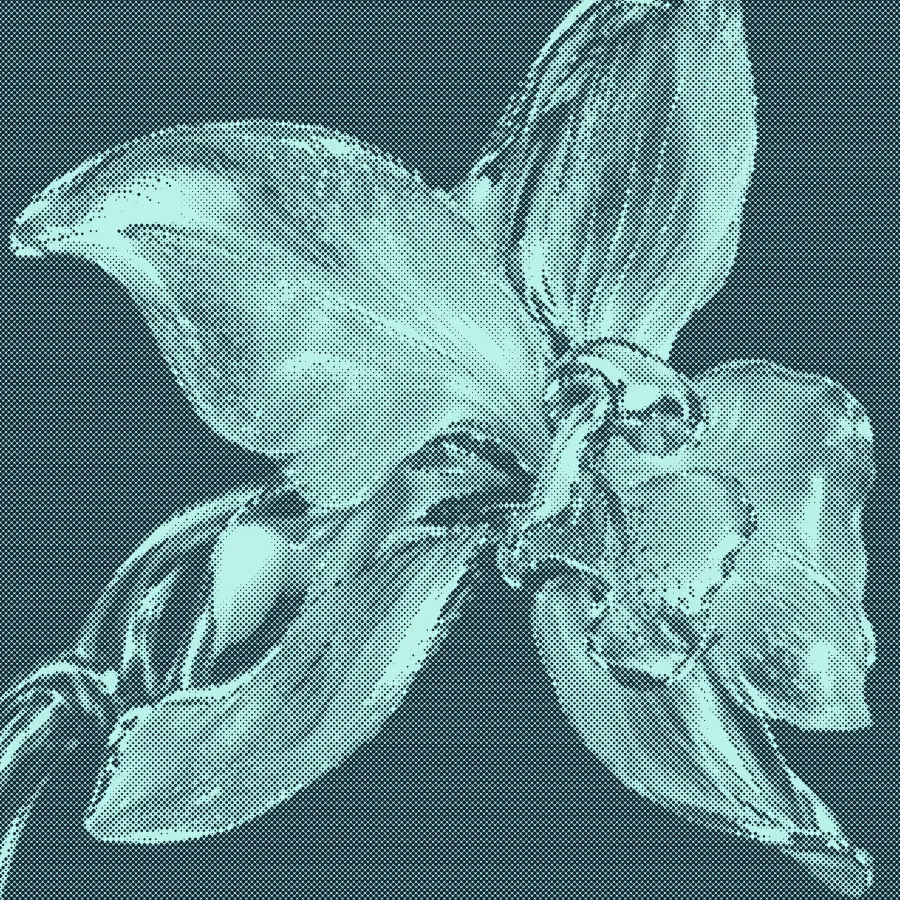
02 / HalftoneTexture ↗
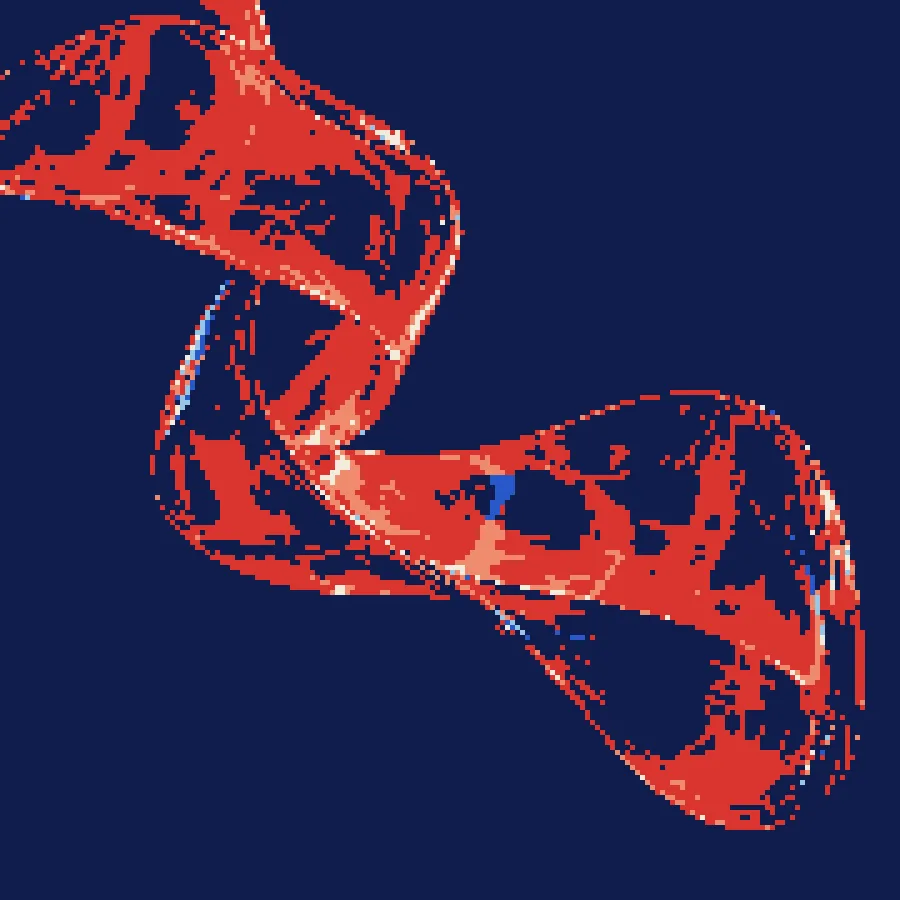
03 / Palette pixelsColor ↗

04 / DitherTexture ↗
05 / GlitchDistortion ↗
06 / Color pressPrint ↗
Have a clip? Apply effects frame by frame in Video mode. Have a still? Animate its treatment in Image mode. Preview both before exporting a silent WebM with Pro.
Upload an existing clip and preview dither or halftone on moving footage.
Open video mode ↗
Make an image treatment move, or export the artwork as a Pro SVG.
Animate an image ↗Explore dither, halftone, print, pixels and distortion without starting over.
Watch each adjustment on the canvas before you commit to an export.
Open the editor, use your own image and download a free PNG.
Adjust scale, texture and color instead of settling for a fixed filter.
Preview motion in the editor and export WebM video with Pro.
Download free PNGs, then unlock larger PNGs and SVG with Pro.
Every effect is free to explore. Pro gives you the export quality and privacy to finish real projects.
Then $9/month from your second month. Cancel anytime.
Secure checkout powered by Stripe.
Create a free account, then review the exact price and renewal terms before paying. MAKE does not collect your card details.

Prices in USD. The $1 first month is for new monthly subscribers only; then $9/month. Yearly is one $54 payment, renewed yearly. AI Enhance is separate from Effects Pro.
Yes. The editor, effects, previews, and 1× or 2× PNG exports are free. You do not need an account to export a PNG. Free image exports add a small preview to the public gallery.
Pro adds private exports, 3× PNG, SVG vector export, and WebM video export. Every current MAKE Effects look and future Effects updates are included while your Pro access is active.
New monthly subscribers pay $1 for their first month, then $9 per month from the second month until cancelled. You see the renewal terms before paying in Stripe Checkout.
Yes. Twelve monthly payments at $9 total $108. The yearly plan is one $54 payment for 12 months, equivalent to $4.50 a month. The $1 intro applies to monthly only.
Yes. Create a free account with Google, select a Pro plan, and complete payment on Stripe’s hosted checkout page.
No. MAKE Enhance is a separate invite-only beta and is not part of Effects Pro.
Build a palette, turn it into a gradient, or explore a simple way to refine AI-generated images.
Make a palette from scratch, then carry those colors into a gradient. Each tool works on its own, too.
Refine an AI image with one simple 2× enhancement. No prompts or model settings. Compare your result before keeping it.
Bring an image. Find a look. See where it takes you.
Open MAKE free