Bring your image.
Export an original from ChatGPT, Midjourney, Firefly or your favorite generator. Upload it to MAKE.
Turn AI-generated images into larger, more refined creative assets. One upload. One enhancement. No prompts.
Enhance your image ↗See the difference ↓Invite-only beta · PNG, JPEG & WebP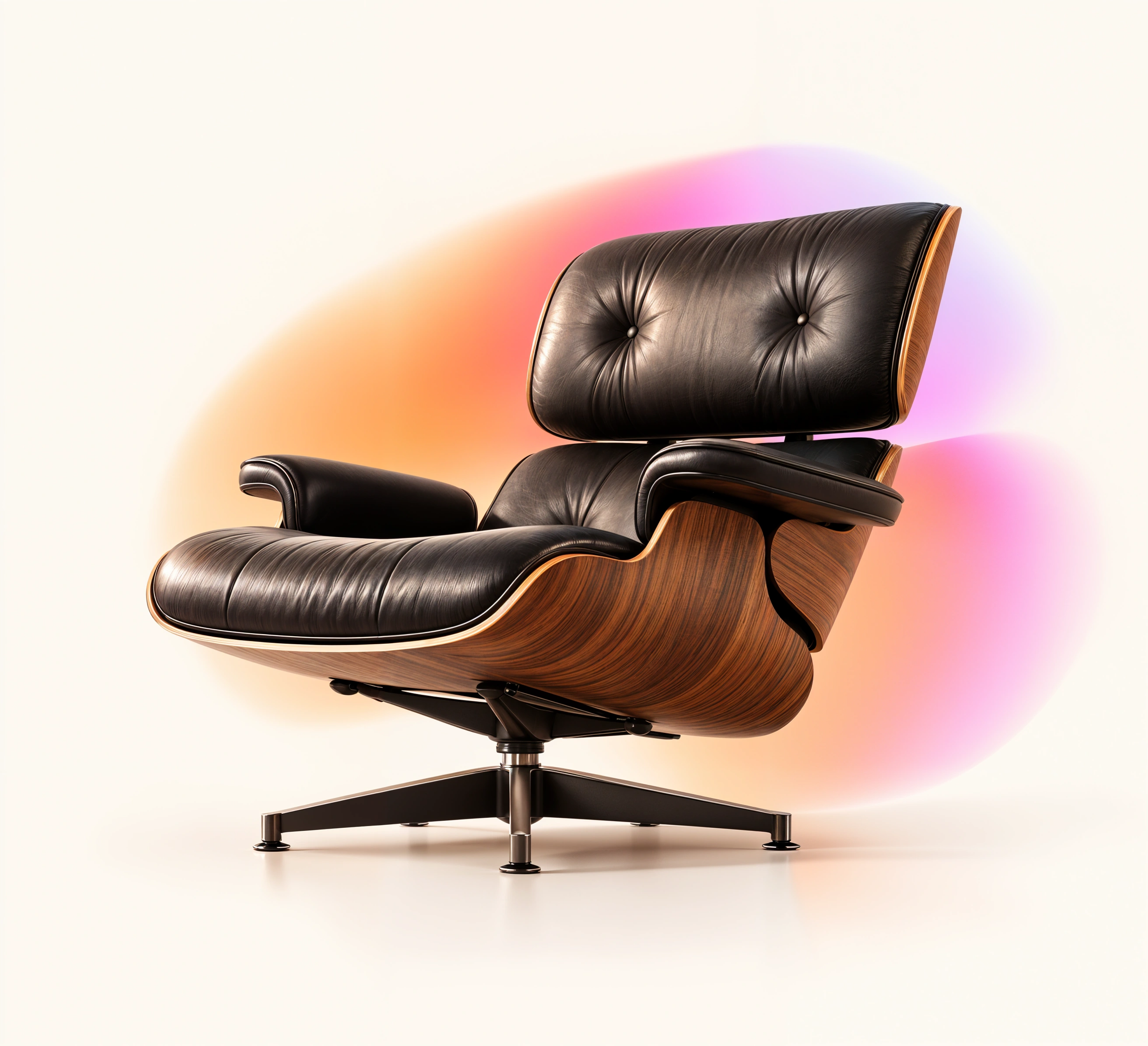

Compare the leather, wood grain and soft background. This Clarity trial uses MAKE’s automatic enhancement settings, with no image-specific prompt.
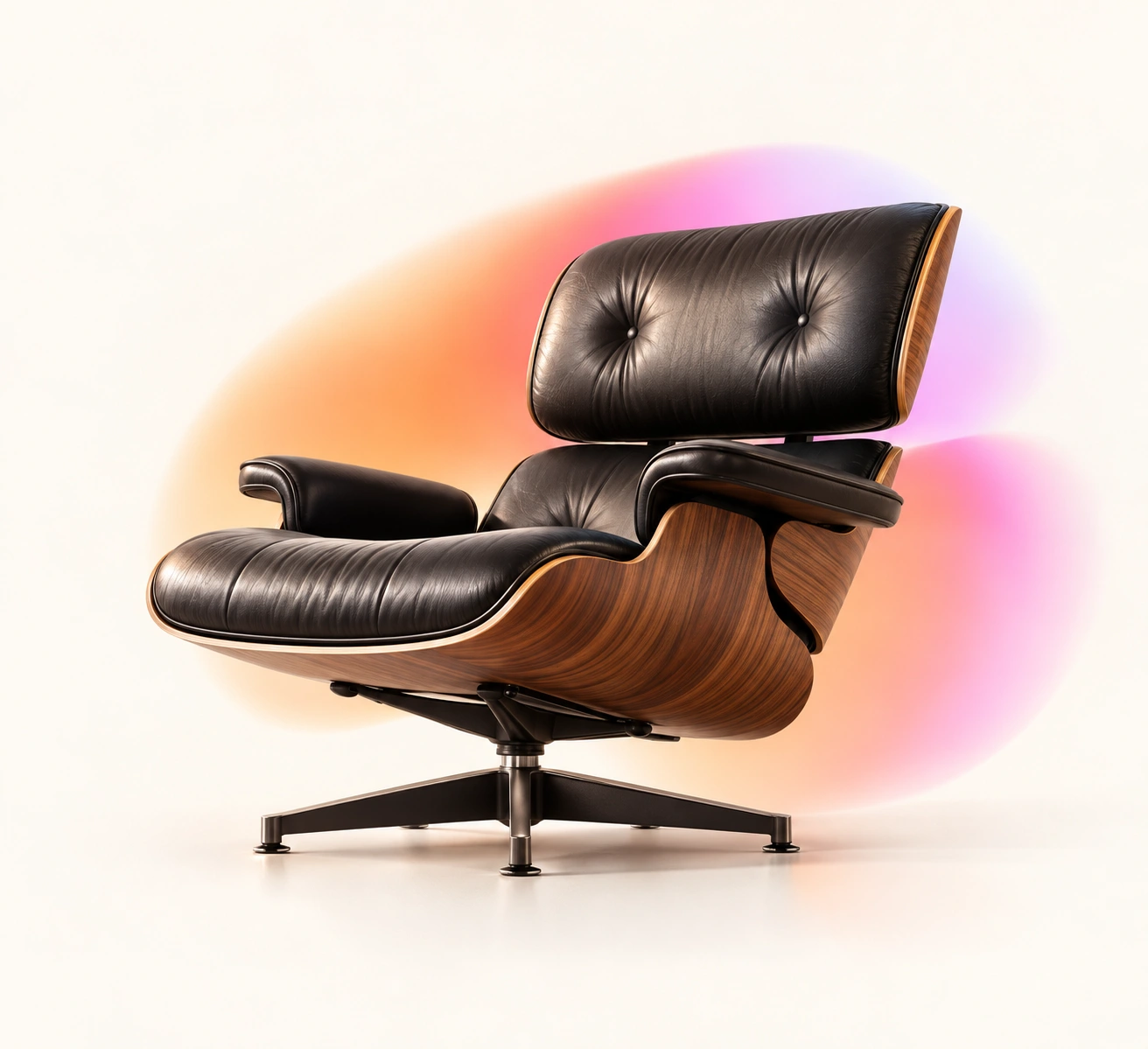
Original: 1,312 × 1,199 px. Enhanced: 2,624 × 2,392 px. This early model trial slightly adjusted the height. WebP previews are aligned for comparison. AI may reinterpret texture; inspect the result for your intended use.
The composition is right. The colors work. Now give soft textures and fine surfaces a closer look before the image goes into your website, campaign or presentation.
MAKE adds a gentle 2× enhancement and lets you decide what to keep. No model menu. No second prompt.
Try MAKE Enhance ↗Slide between your source and the enhanced result. Inspect transparent PNGs against light, dark and checkerboard backgrounds before downloading.
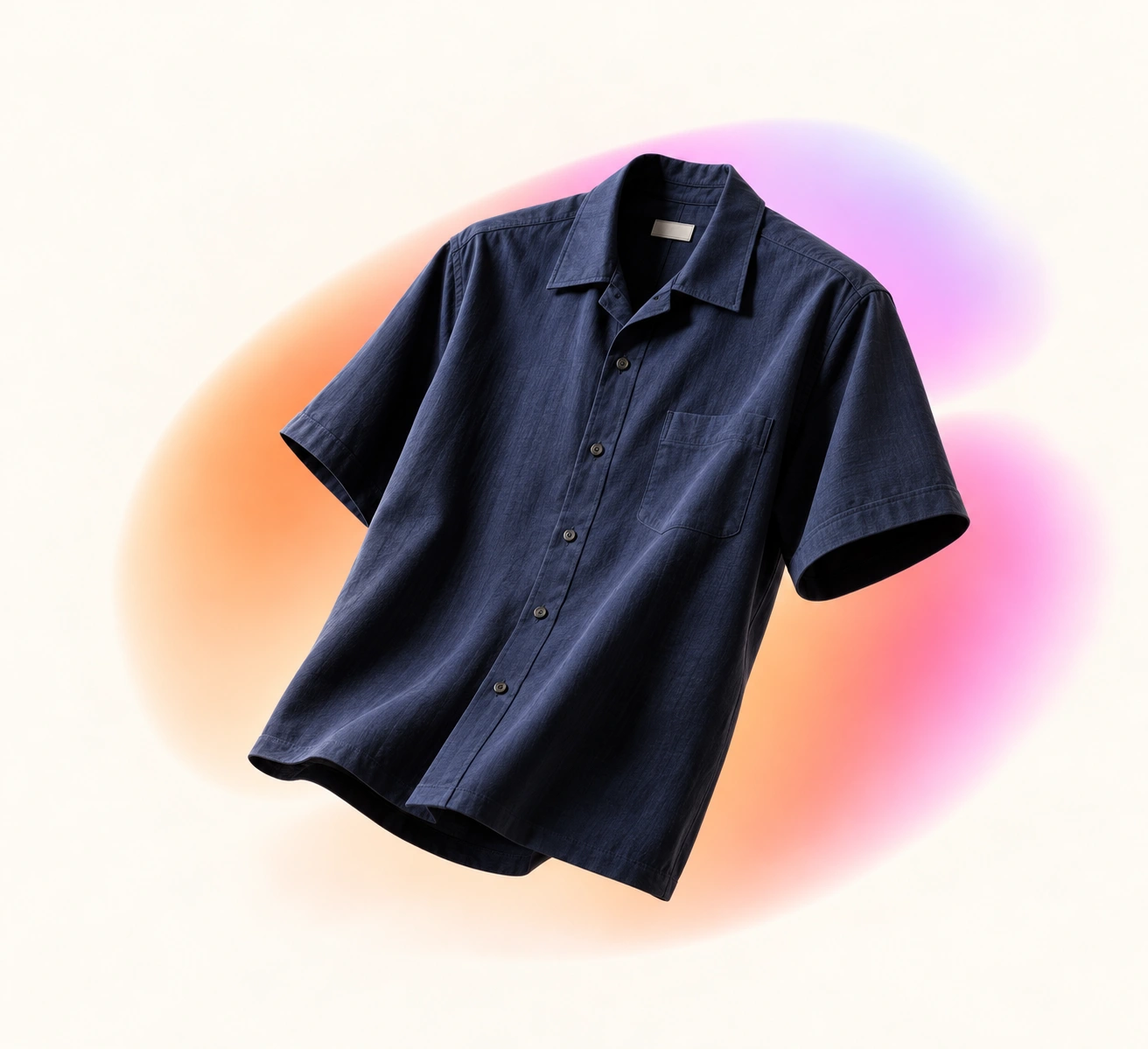
MAKE restores your source transparency. Check existing halos, lettering and object geometry—AI can change small details.
Read the image finishing guide ↗Export an original from ChatGPT, Midjourney, Firefly or your favorite generator. Upload it to MAKE.
One enhancement button. Twice the width and height, with AI-refined detail to review.
Inspect the result and download your PNG. Take it into your layout or upload it to MAKE Effects.
$9 / month
100 credits. 100 image enhancements.
$5 / 60 credits
60 extra image enhancements when you need more.
One credit per successful enhancement within supported limits. Separate from MAKE Effects Pro and lifetime access.
Request beta access ↗USD. Payments are not open yet. Rollover, expiry and cancellation details will be published before checkout. The current free, invited beta allows up to 10 test submissions.
PNG, JPEG or WebP. Up to 10 MB, 3 megapixels and 2,048 pixels per side. Dimensions may adjust by up to 3 pixels for processing.
Images are processed by Replicate and are not posted to MAKE’s public gallery. The current source is saved in your browser for recovery. Download completed results promptly.
Enhancement interprets detail. Check faces, text and product shapes. Larger pixel dimensions do not guarantee print quality.
MAKE works with exports from your favorite generator. A direct handoff to MAKE Effects is planned; today, download your PNG and upload it into Effects.