Make this look in three steps
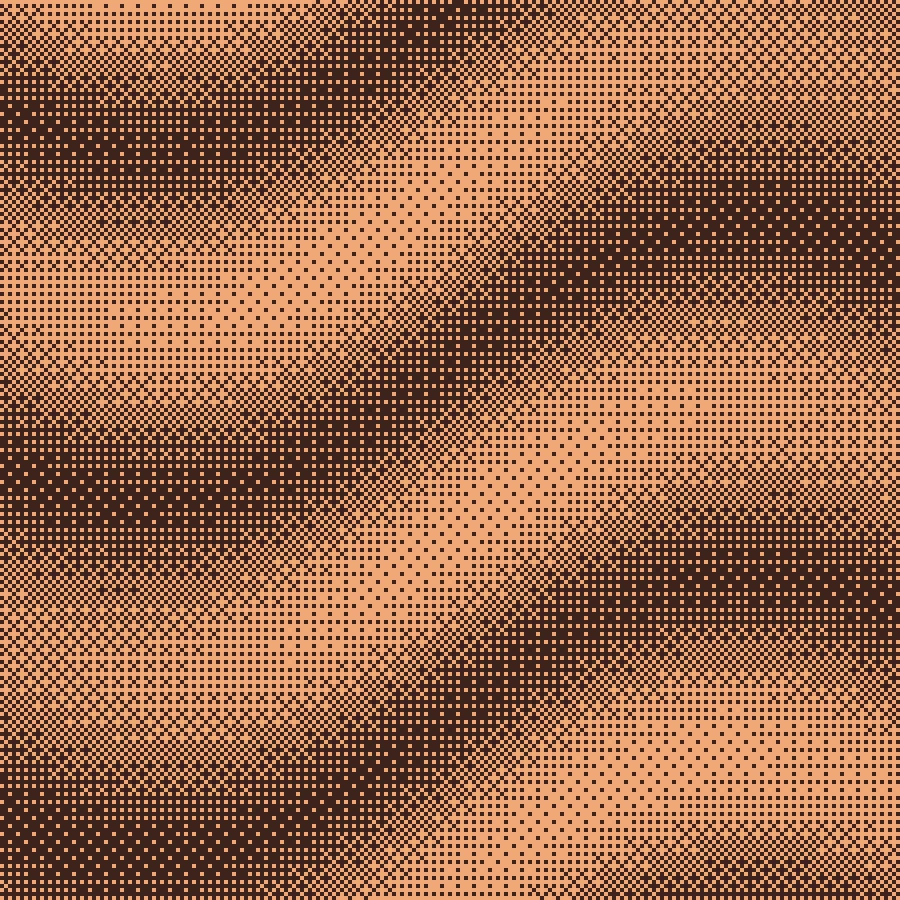
- Open the terrain example to begin with the terracotta Bayer look.
- Adjust Scale to control the visible grid. Inspect curved edges and gradients as well as large flat regions.
- Compare the pattern at the intended display size, then export. Avoid smooth resizing when you want the grid to remain crisp.
What the 4×4 matrix does
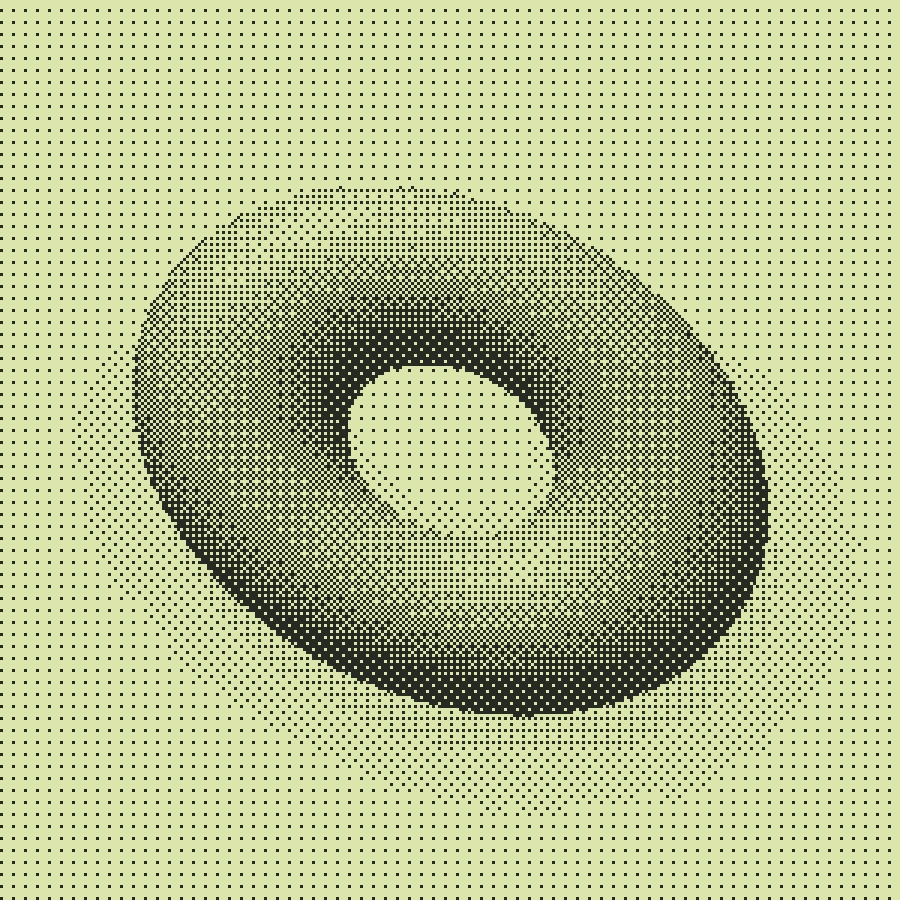
Each position in the repeating matrix uses a different threshold. A sampled brightness is compared with that local threshold to decide whether to draw a foreground mark. Because the decisions follow a fixed spatial pattern, neighboring image changes do not spread error through subsequent cells as they do with diffusion algorithms.
A useful starting point for motion
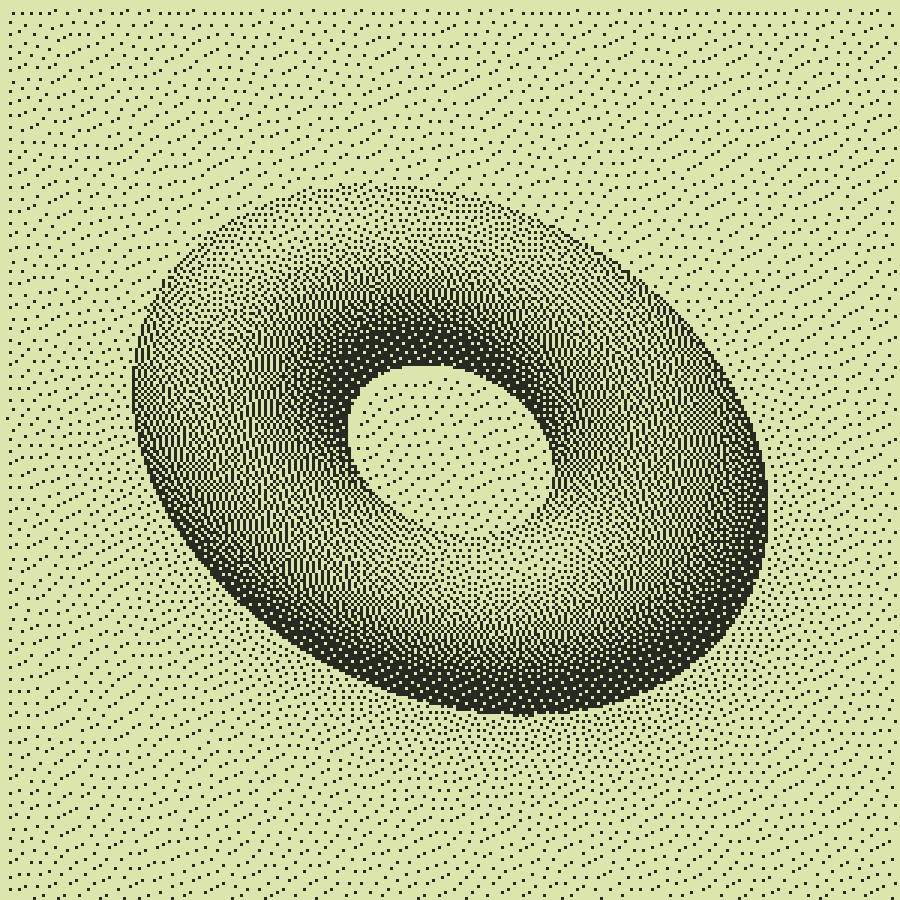
An ordered grid can feel more regular than error diffusion on a moving gradient. It does not remove flicker: as brightness crosses a threshold, marks can still switch on and off. Test a moving clip in the editor before selecting a video treatment.
When the pattern becomes distracting
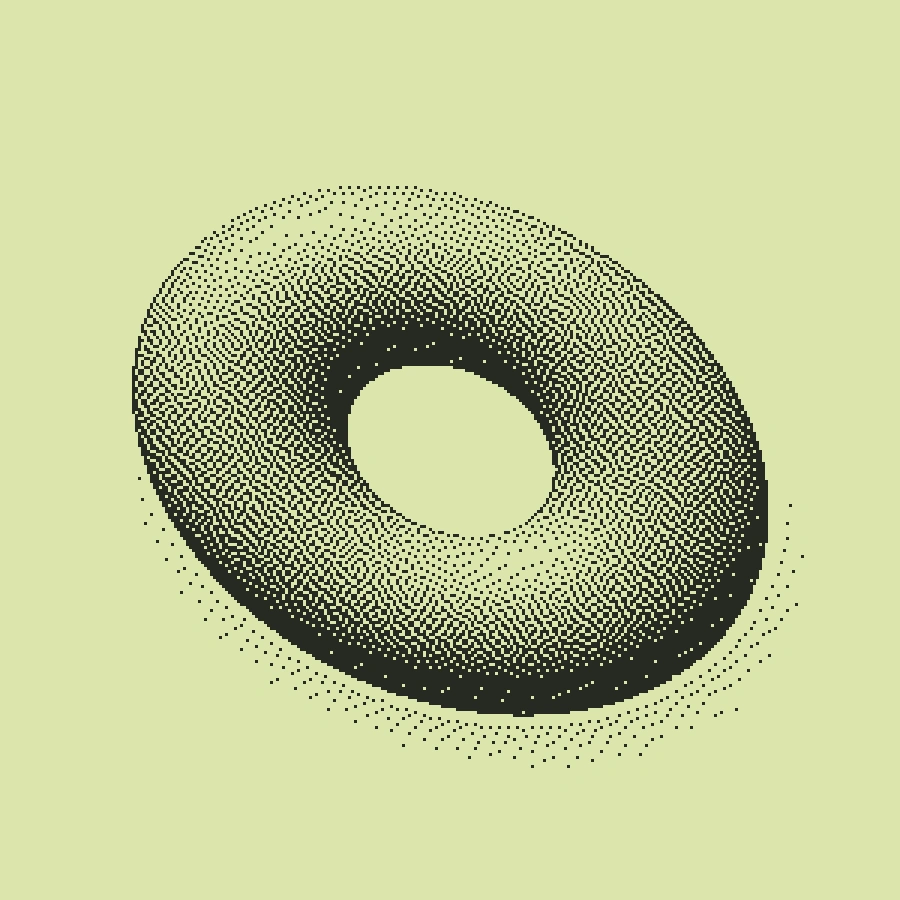
The repeating structure can compete with small text, fabric or other fine patterns in the source. Reduce Scale, simplify the source or choose Floyd–Steinberg for a less obviously ordered result. A coarse grid is most useful when its repetition is part of the intended design.
Free, Pro and your source files
Processing happens in your browser. Free image exports include 1× and 2× PNG and publish a small preview to the public community gallery. Pro skips gallery publication and adds 3× PNG, SVG and silent WebM video export. Use material you have the rights to upload.
Try it in Make ↗