Make / Effects & techniques
Make a glitch effect online
Break your image into shifted digital bands with MAKE. Upload a photo, try the live glitch preview, then tune the full look in the editor.
Remix this example ↗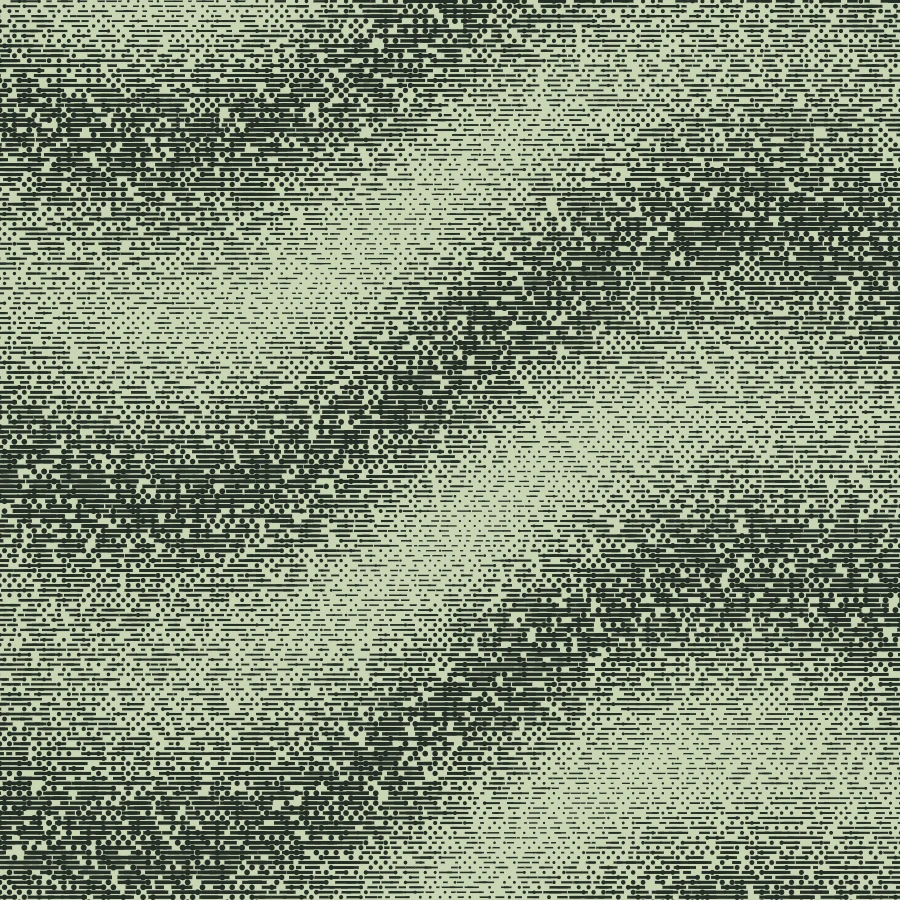
Try it on your image
See glitch before you commit.
Choose a PNG, JPEG or WebP. The preview runs in your browser; your file stays on this device.
Choose an image or try the sampleMove the slider to see how detail and texture change. The full editor has color, contrast and export controls.
Open the example without uploadingMake this look in three steps
- Choose a PNG, JPEG or WebP in the live preview above.
- Adjust Pattern size to compare finer and broader interruptions.
- Open the image in MAKE for color, contrast and finishing controls, then export.
What creates the glitch?
MAKE shifts and interrupts horizontal parts of the image to suggest a broken digital signal. It is a stylized image effect, not a damaged file or a video codec simulation.
Make the subject readable
Strong shifts can hide eyes, type or product details. Start with an image that has a clear focal point and check it at a smaller display size. Use the full editor to adjust the treatment if the subject disappears.
Try other digital textures
A pixelated treatment creates a regular block grid. Atkinson or Bayer dithering builds tone from patterned pixels. Compare them if you want texture without the displaced-band appearance.
Free, Pro and your source files
Processing happens in your browser. Free image exports include 1× and 2× PNG and publish a small preview to the public community gallery. Pro skips gallery publication and adds 3× PNG, SVG and silent WebM video export. Use material you have the rights to upload.
Try it in Make ↗