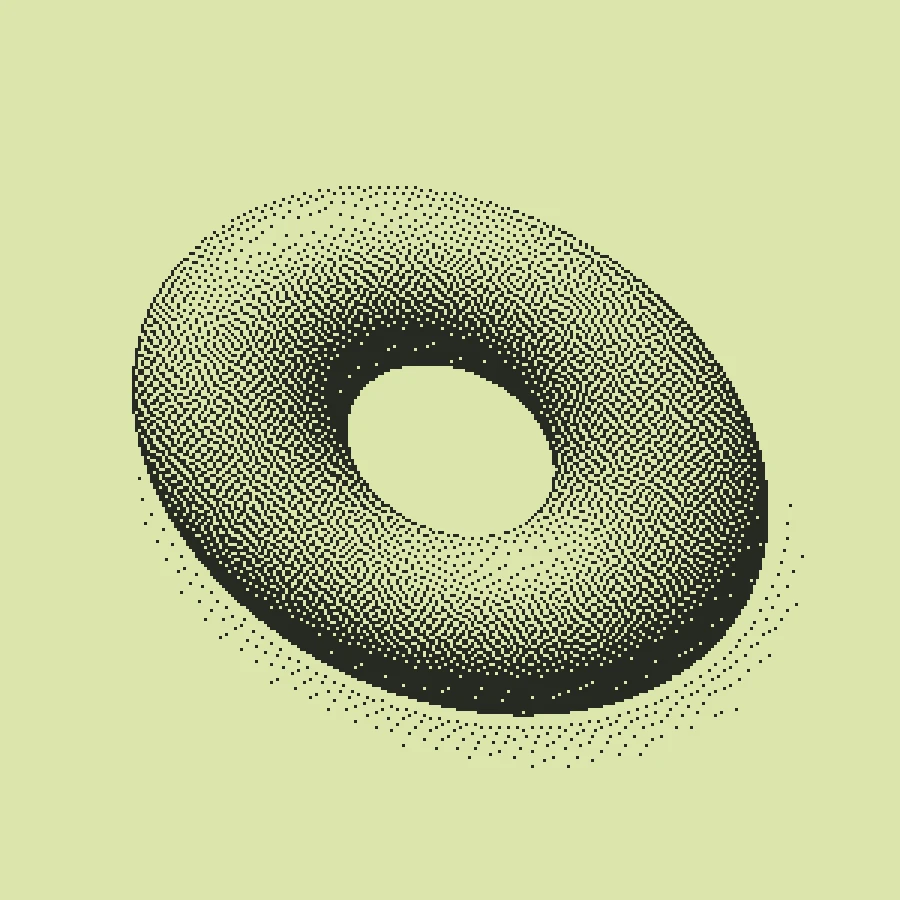
Make this look in three steps
- Open the Atkinson example. Upload your photo if you want to replace the original orbital study.
- Turn off Duotone for black-and-white styling, or choose your own pair of colors. Adjust Scale and contrast while watching fine details.
- Export PNG free. Keep transparent backgrounds and scaling settings in mind if another application requires exactly two opaque colors.
Is the download a 1-bit encoded file?
No. “1-bit style” describes the reduced-color appearance here. Make exports a regular PNG, not a packed one-bit BMP or a hardware-specific palette file. Transparency, overlays and other settings can introduce additional pixel values. If your destination requires a particular bit depth, convert and validate the exported file in a tool that supports that format.
Thresholding versus dithering
A threshold simply chooses a light or dark value. Dithering distributes those values across neighboring pixels so that a region can appear to have an intermediate tone. This can preserve the impression of gradients while making the individual marks visible.
Which algorithm should I start with?
Atkinson creates a distinctive, often airy texture but can lose subtle highlight or shadow detail. Floyd–Steinberg spreads quantization error into neighboring pixels and can retain smoother tonal transitions. Bayer uses a repeating threshold matrix for a deliberately ordered texture. The best choice depends on the source and the final display size.
Why does resizing make the image gray?
Smooth resizing blends light and dark neighbors into new intermediate colors. Make’s enlarged PNG exports preserve the rendered pixels with nearest-neighbor scaling. A website, image editor or social platform may resize them again. Inspect the final placement, and avoid a second smooth resampling step when crisp pixels matter.
Free, Pro and your source files
Processing happens in your browser. Free image exports include 1× and 2× PNG and publish a small preview to the public community gallery. Pro skips gallery publication and adds 3× PNG, SVG and silent WebM video export. Use material you have the rights to upload.
Try it in Make ↗